- Blog
How Do Hologram PC Fans Work? Persistence of Vision, Explained
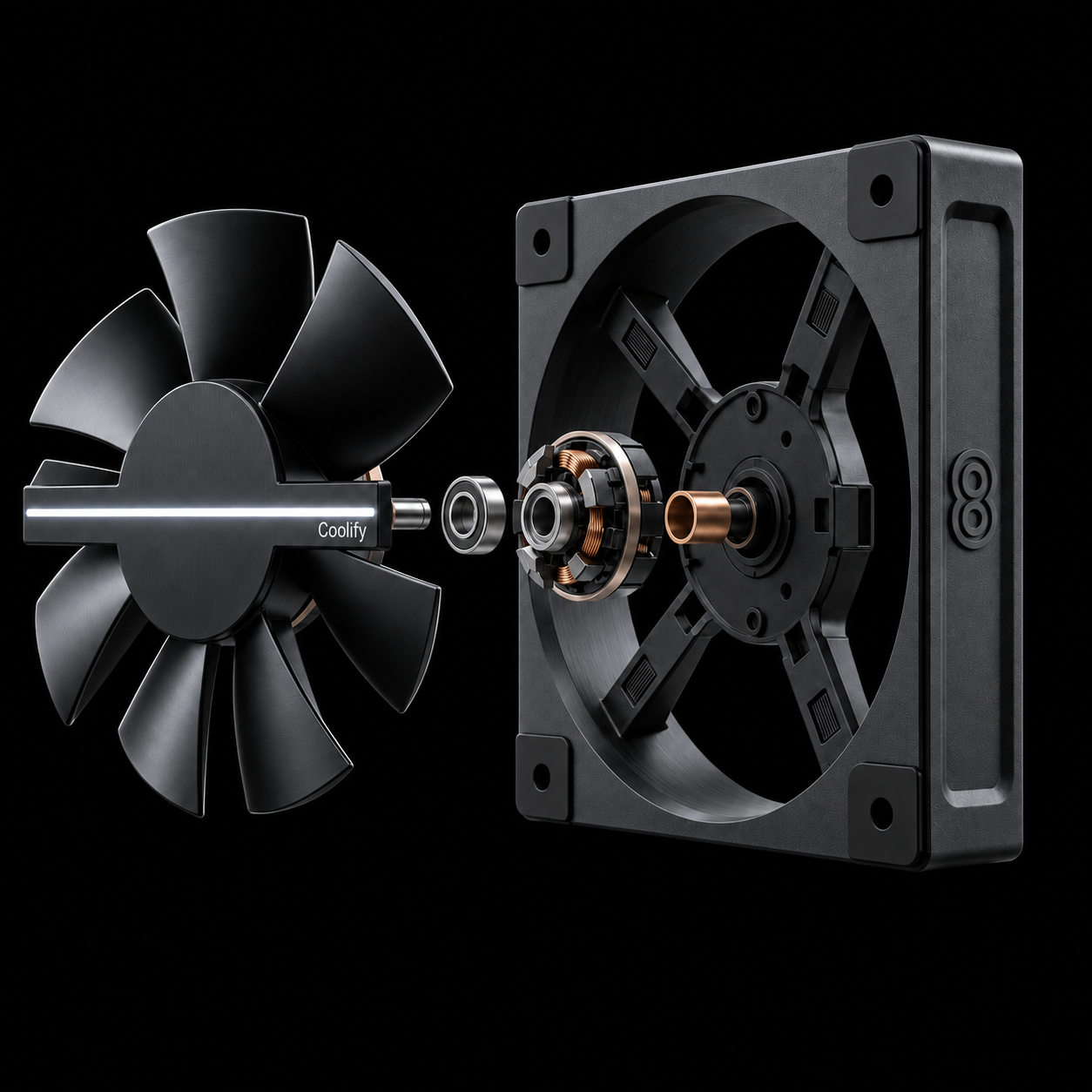
Table of Contents
ToggleA hologram PC fan is a case fan with a row of LEDs on its spinning blades. As the fan turns, each LED switches on and off at exactly the right positions, and your eyes blend those quick flashes into one floating, see-through image. This is called persistence of vision. It isn’t a laser hologram, but the result looks like a picture hanging in the air inside your PC.
Persistence of vision, in plain words
Your eyes hold on to what they see for a fraction of a second. Wave a sparkler in a circle at night and you see a ring of light, not a moving dot. A hologram fan uses the same effect, but with a precisely controlled row of LEDs instead of a sparkler.
How the picture gets drawn
Think of the image as a pie cut into hundreds of very thin slices. Each time the LED row passes a slice, it lights up in that slice’s colors, then moves on to the next one. One full turn draws the whole picture, and the fan repeats it many times per second.
Two things decide how detailed the image looks:
- How many LEDs are on the row. More LEDs mean finer detail from the center to the edge. Holo Fan 2 uses 120 LEDs.
- How the software prepares your image. A normal image is a grid of square pixels, and the fan needs it as circular slices. Coolify Studio converts your images, GIFs and videos automatically, so you just upload them.
On Holo Fan 2, the result is a 360 × 360 circular image at 24 frames per second.
Why the image looks see-through
The LED row is thin and only lights up at certain positions. The rest of the time you’re looking through the empty space between them. That’s what makes the image appear to float, and it’s also why a hologram fan looks so different from a flat screen.
Why spin speed matters
The fan has to know exactly where the LED row is at every moment, or the picture smears and shakes. The original Holo Fan solved this by running at one fixed speed. Holo Fan 2 keeps the image steady while your motherboard changes its speed through PWM, between 1500 and 2200 RPM.
Hologram fan vs other “hologram” displays
| Display type | How it works | See-through? | Needs a screen? |
|---|---|---|---|
| Laser hologram | Recreates light recorded from a real object | Yes | No, but needs special light and film |
| Pyramid or Pepper’s ghost | Reflects a screen in angled clear plastic or glass | Yes | Yes |
| Spinning LED (POV) fan | Spinning LEDs draw the image in the air | Yes | No |
| LCD screen | A flat panel shows pixels | No | It is the screen |
Hologram PC fans belong to the spinning LED group. They’re the only one of these that also works as a cooling fan.
How to get the best effect
- Dim the room. The image looks brightest and most three-dimensional in low light.
- Use a glass side panel. Mount the fan where you can see it head-on.
- Choose content with a black background. Black areas stay “empty”, so your subject seems to float.
- Avoid large white or very bright areas. They can look washed out. Bold colors and high contrast work best.
Is it still a real fan?
Yes. Holo Fan 2 moves up to 58 CFM of air and fits any standard 120 mm mount, including radiators. You get cooling and a display in the same slot.
FAQ
Can you see a hologram fan in a bright room?
Yes, but the effect is strongest in dim light. In a bright room the image looks less vivid.
Why does it flicker on my phone’s camera?
Phone cameras capture images line by line, so they can show bands or flicker that your eyes don’t see. In person, the image looks smooth.
Is it safe to touch?
Treat it like any case fan. It’s designed to run inside a closed PC case, and you shouldn’t touch it while it’s spinning.