- Product Update
Holo Fan 2 vs Holo Fan: What’s New in the Second-Generation Hologram PC Fan
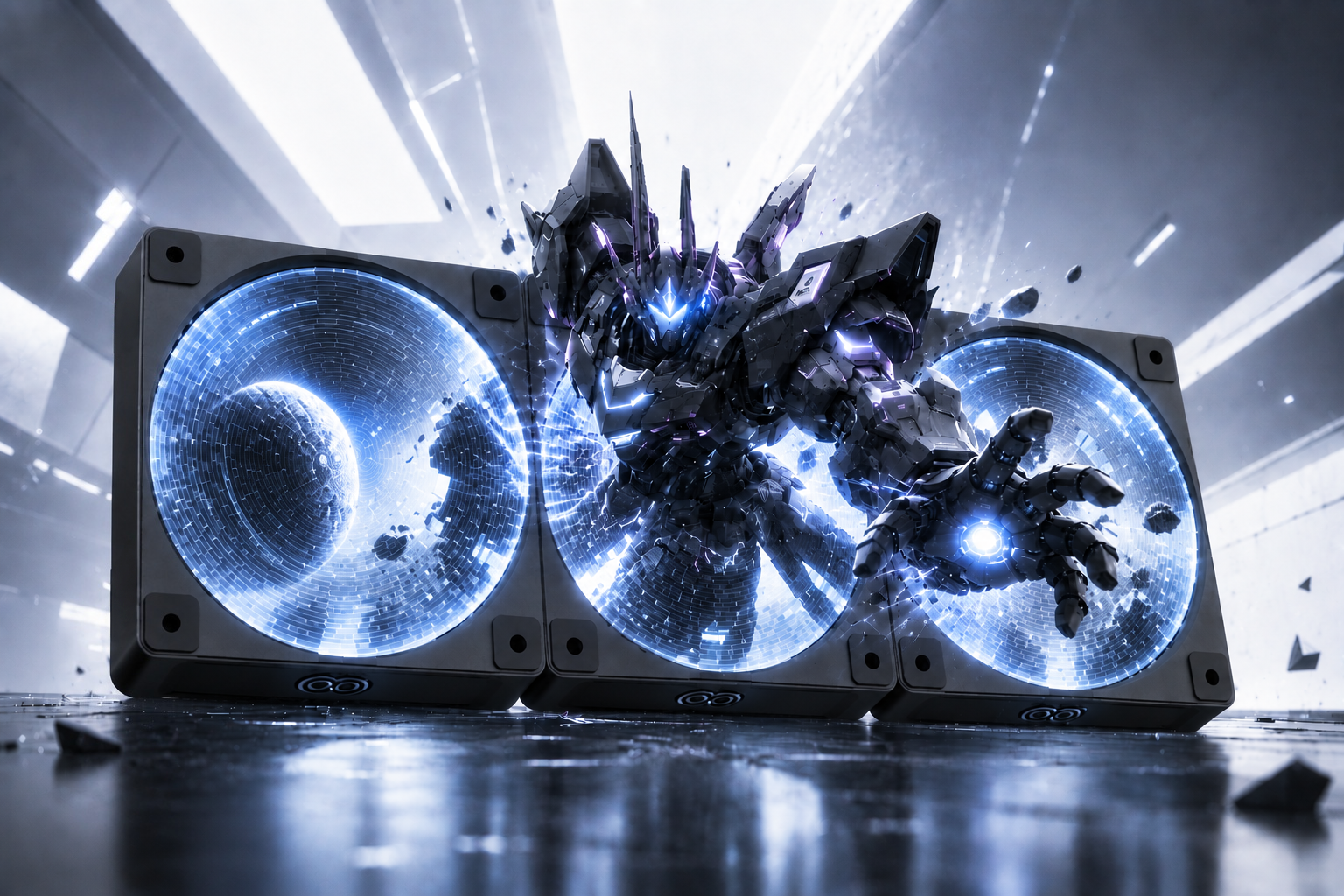
Table of Contents
ToggleHolo Fan 2 is the second-generation hologram PC fan from COOLIFY. Its biggest new feature is the multi-fan display: connect up to three Holo Fan 2 units, and they can play one picture together. It also adds motherboard PWM speed control and a larger, sharper display, with 120 LEDs and 360 × 360 resolution, up from 96 LEDs.
We introduced the original Holo Fan in 2024 as the world’s first hologram PC fan. Reviewers and early owners loved the effect and were honest about the trade-offs. Holo Fan 2 is our answer to that feedback.
Holo Fan 2 vs Holo Fan at a glance
| Holo Fan (1st gen) | Holo Fan 2 | |
|---|---|---|
| Size | 120 × 120 × 25 mm | 120 × 120 × 25 mm |
| Multiple fans | Each fan runs on its own | Up to 3 fans as one display (SOLO / CHORUS / ECHO) |
| Display | 4.1″, 96 LEDs | 11 cm (4.3″) circular, 120 LEDs, 360 × 360 |
| Speed control | Fixed speed (1500 or 2600 RPM model) | PWM, 1500–2200 RPM |
| Airflow | 35.5 CFM / 52 CFM | Up to 58 CFM |
| Power for multiple fans | Shared fan header power | Connection box with SATA power |
Multi-fan display: three fans, one picture
This is the biggest new feature. Connect up to three Holo Fan 2 units side by side or stacked, and choose how they play together:
- SOLO: each fan plays its own content.
- CHORUS: one image or video is split across all fans, so they form a single, larger picture.
- ECHO: every fan plays the same visual in sync.
Coolify Studio, our desktop app for Windows 10 and 11, slices your content for each fan automatically. You upload once and it handles the rest. Coolify Studio can manage more fans at the same time, but a combined display in CHORUS or ECHO mode uses up to three.
Speed control: from fixed speed to PWM
The original Holo Fan had to spin at one fixed speed to keep the hologram image steady. That meant you couldn’t slow it down when your PC was idle, and at 2600 RPM it was louder than a typical case fan.
Holo Fan 2 supports standard 4-pin PWM. Your motherboard can adjust its speed from 1500 to 2200 RPM, just like any other case fan, while the hologram keeps playing.
Power and stability
When several first-generation fans drew power from the motherboard, some setups didn’t get enough current, and owners needed extra cables to keep the image stable. Holo Fan 2 separates power from the image signal. For multi-fan setups, a connection box takes power straight from your PSU’s SATA connector. A single fan connects to a normal 4-pin PWM header. The result is a steadier image with noticeably less flicker than the original.
Airflow
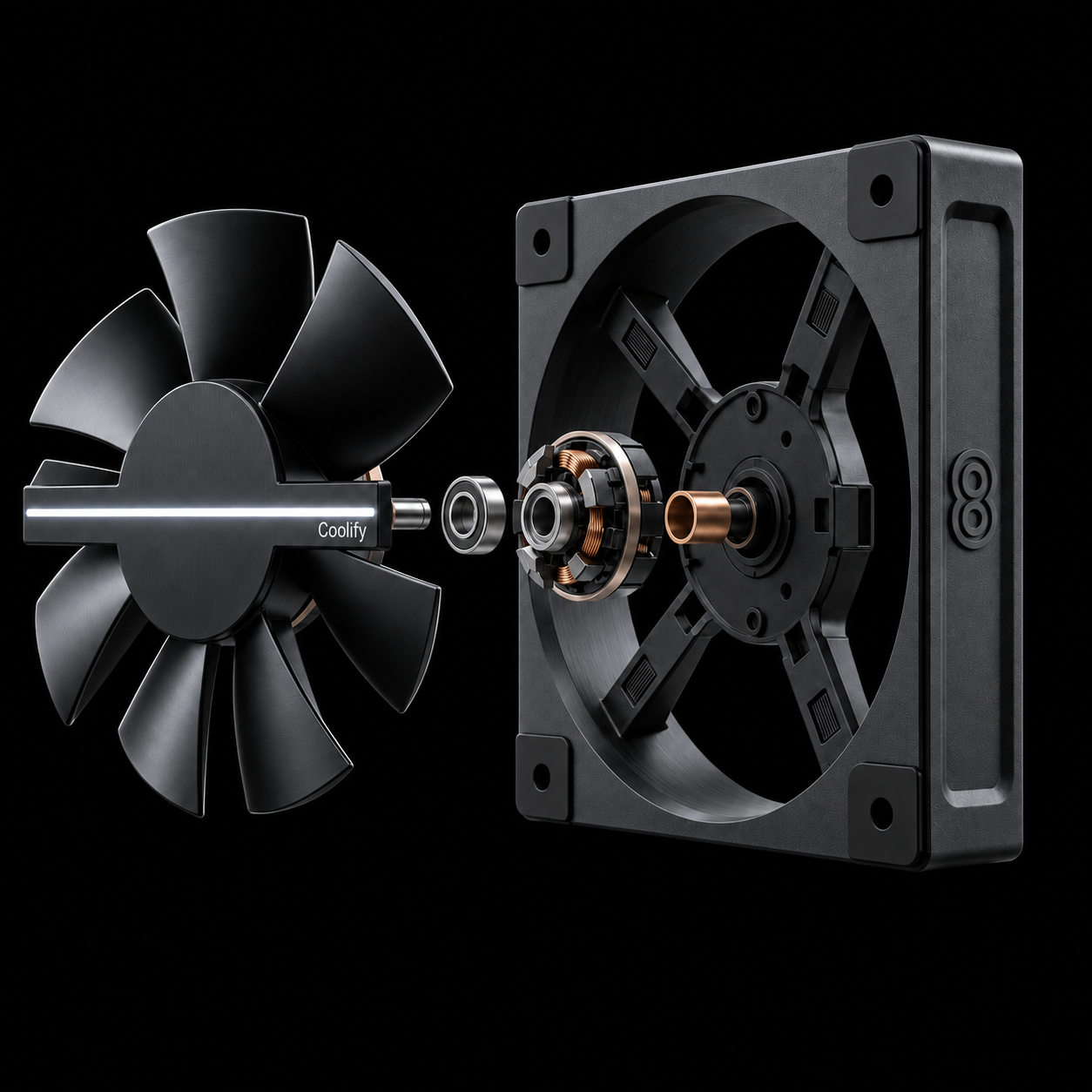
Holo Fan 2 is still a real case fan, not just a display. It moves up to 58 CFM, up from 52 CFM on the fastest original model, and uses dual ball bearings. You can use it as an intake or exhaust fan, or on a radiator with standard 120 mm mounting holes.
Is it a real hologram?
No, and we’d rather be clear about it. Like the original, Holo Fan 2 uses persistence of vision. A row of LEDs spins with the blades and lights up at precisely timed moments, so your eyes see a floating, see-through image. There’s no laser and no screen. The effect looks best through a glass side panel in a darker room.
Which one should you choose?
If you already own the original Holo Fan and you’re happy with it, there’s no need to replace it. Holo Fan 2 is for builders who want up to three fans playing one picture together, or who want their motherboard to control fan speed.
FAQ
Can I mix Holo Fan and Holo Fan 2 in one build?
Yes, they both fit standard 120 mm mounts. Only Holo Fan 2 units can be linked into a multi-fan display.
Does Holo Fan 2 keep working when Coolify Studio is closed?
Yes. Your content is stored on the fan and keeps playing, and your motherboard keeps controlling the fan speed.
When can I get Holo Fan 2?
Holo Fan 2 is expected in early 2027. For orders, retail or distribution inquiries, contact us.