- Blog
Hologram Fan vs ARGB Fan vs LCD Pump Head: Which Is Right for Your Build?
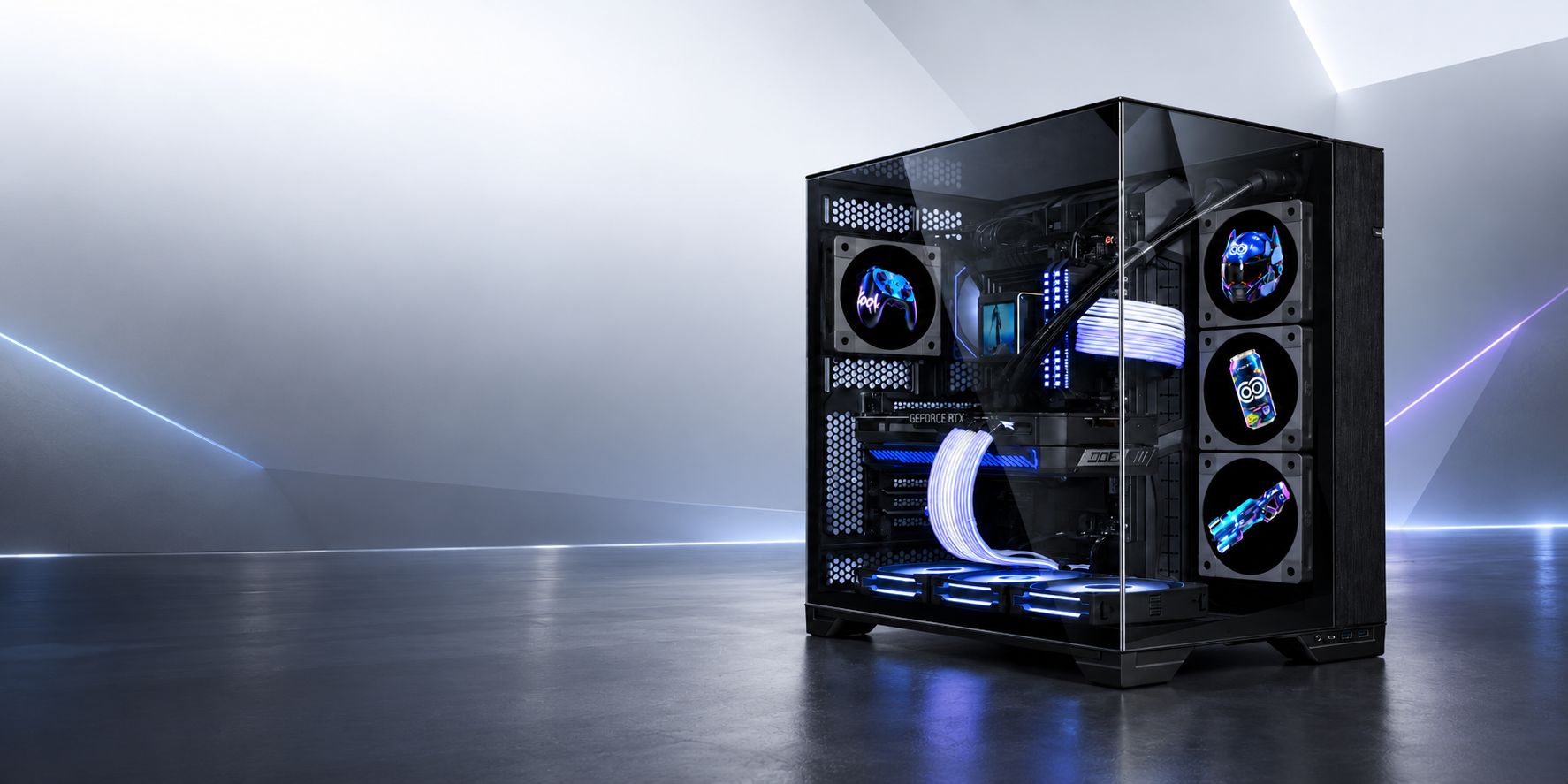
Table of Contents
ToggleThere are three main ways to put moving visuals inside a PC case: ARGB fans, LCD screens on liquid cooler pump heads, and hologram fans. ARGB fans light up in colors and patterns, LCD pump heads show a small, sharp screen, and hologram fans draw a floating image while still cooling your PC. Here’s how they compare.
At a glance
| ARGB fan | LCD pump head | Hologram fan | |
|---|---|---|---|
| What it shows | Colors and lighting effects | System stats, images or GIFs on a small screen | Floating images, GIFs and videos |
| Can show pictures? | No | Yes | Yes |
| Cools your PC? | Yes | Yes, as part of a liquid cooler | Yes |
| Where it goes | Any fan mount | On the CPU, only with an all-in-one liquid cooler | Any standard 120 mm fan mount |
| Looks best | Any lighting | Any lighting | In a dimmer room, through a glass side panel |
ARGB fans: color and light
ARGB stands for addressable RGB. Each LED can show its own color, so the fan can run rainbow waves, color fades and effects that sync with the rest of your build through your motherboard’s software or a lighting controller. They’re simple and fit almost any setup, but they show light, not pictures.
LCD pump heads: a small screen on your cooler
Some all-in-one liquid coolers put a small LCD screen on the pump block that sits on your CPU. It can show temperatures, images or GIFs through the cooler’s software. The picture is sharp, but you need that type of liquid cooler, and the screen stays in one spot in the middle of your case.
Hologram fans: a floating image that also cools
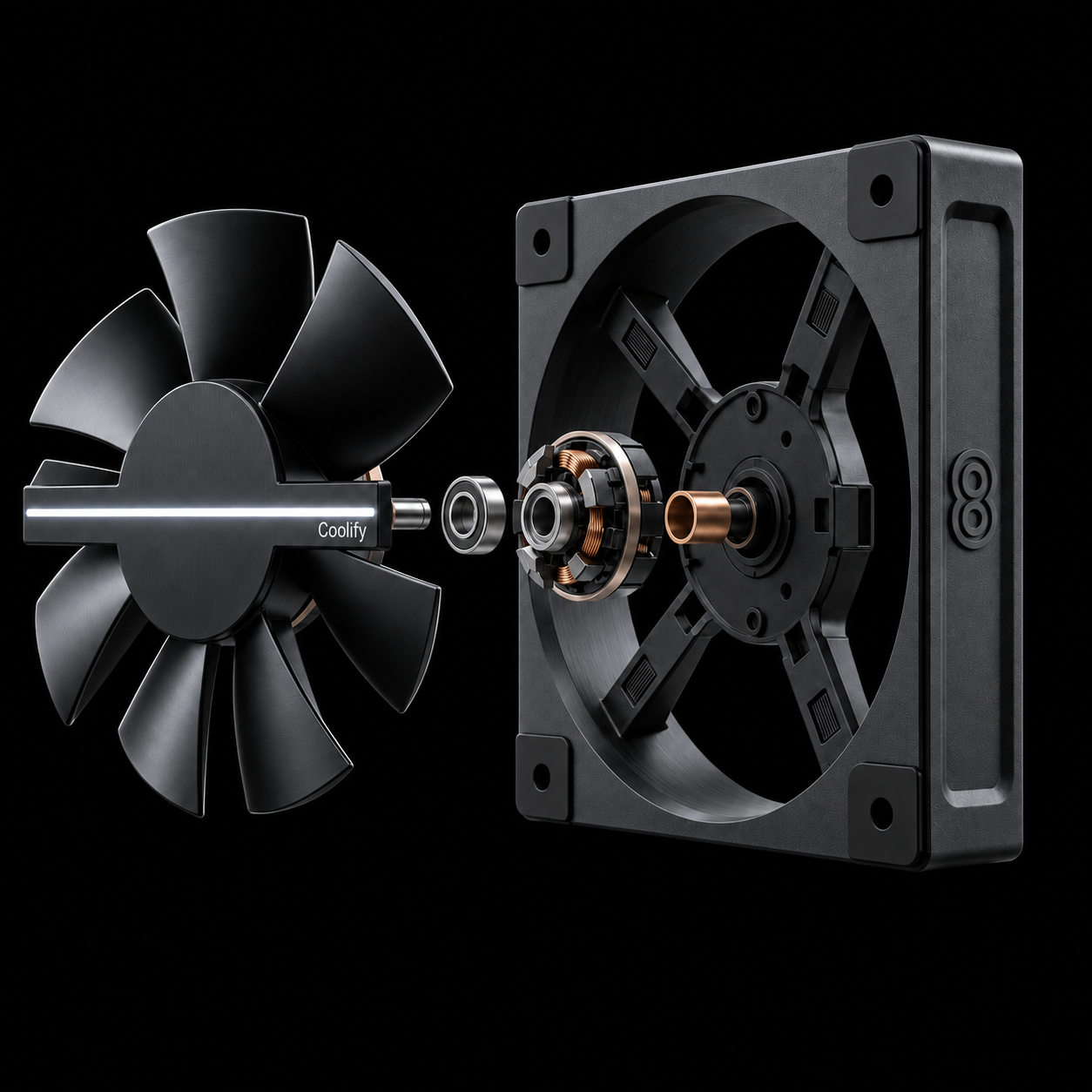
A hologram fan has a row of LEDs on its spinning blades. As it turns, the LEDs light up at precisely timed moments, and your eyes blend them into one floating, see-through image. This is called persistence of vision. You can read more in How Do Hologram PC Fans Work?.
Holo Fan 2 draws a 360 × 360 image with 120 LEDs at 24 frames per second, moves up to 58 CFM of air and lets your motherboard control its speed through PWM. It also runs quieter than the original Holo Fan. Up to three Holo Fan 2 units can work together as one picture, and Coolify Studio can play your own images, GIFs and videos or create AI visuals that match the moment.
Which one should you choose?
- Choose ARGB fans if you want colorful lighting that matches the rest of your build.
- Choose an LCD pump head if you already use an all-in-one liquid cooler and want a sharp screen for stats and small images.
- Choose a hologram fan if you want pictures and animations floating in your case, without giving up a fan slot.
FAQ
Can I use them together?
Yes. Many builds mix ARGB fans with an LCD pump head or a hologram fan. A hologram fan replaces one regular fan in a standard 120 mm mount.
Do hologram fans work in a bright room?
Yes, but the effect is strongest in dimmer light. In a bright room the image looks less vivid.
Does a hologram fan still cool my PC?
Yes. Holo Fan 2 is a real case fan that moves up to 58 CFM of air.