- Blog
SOLO, CHORUS and ECHO Explained: How Holo Fan 2 Multi-Fan Displays Work
Table of Contents
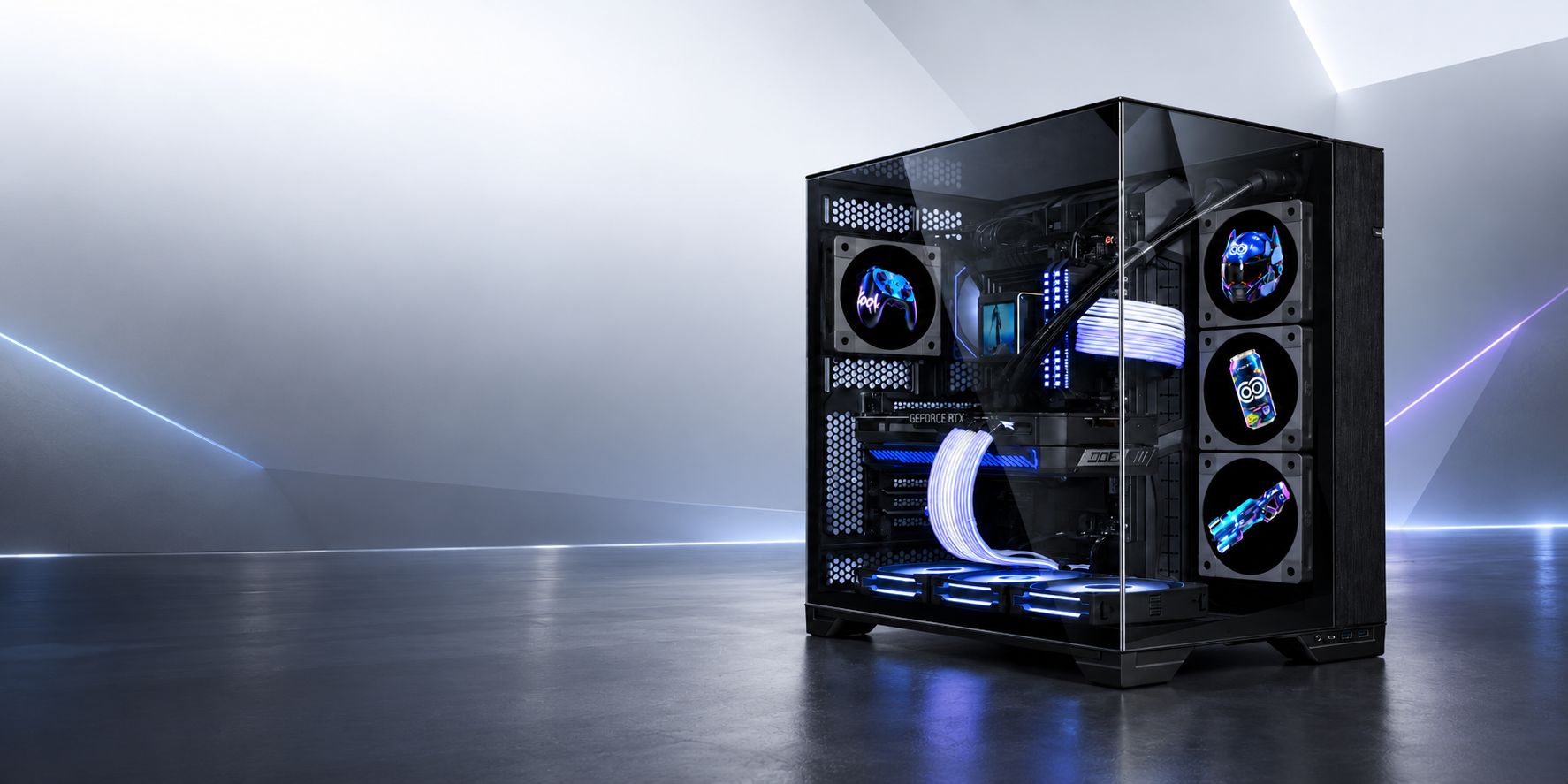
ToggleSOLO, CHORUS and ECHO are the three ways up to three Holo Fan 2 units can play together. SOLO lets each fan play its own content, CHORUS splits one image or video across all the fans to make one larger picture, and ECHO plays the same visual on every fan in sync. Here’s what each mode is best for.
The three modes at a glance
| Mode | What it does | Best for |
|---|---|---|
| SOLO | Each fan plays its own content | Showing several different things at once |
| CHORUS | One image or video is split across all fans | One big, eye-catching picture |
| ECHO | Every fan plays the same visual in sync | A clean, matching look |
SOLO: each fan does its own thing
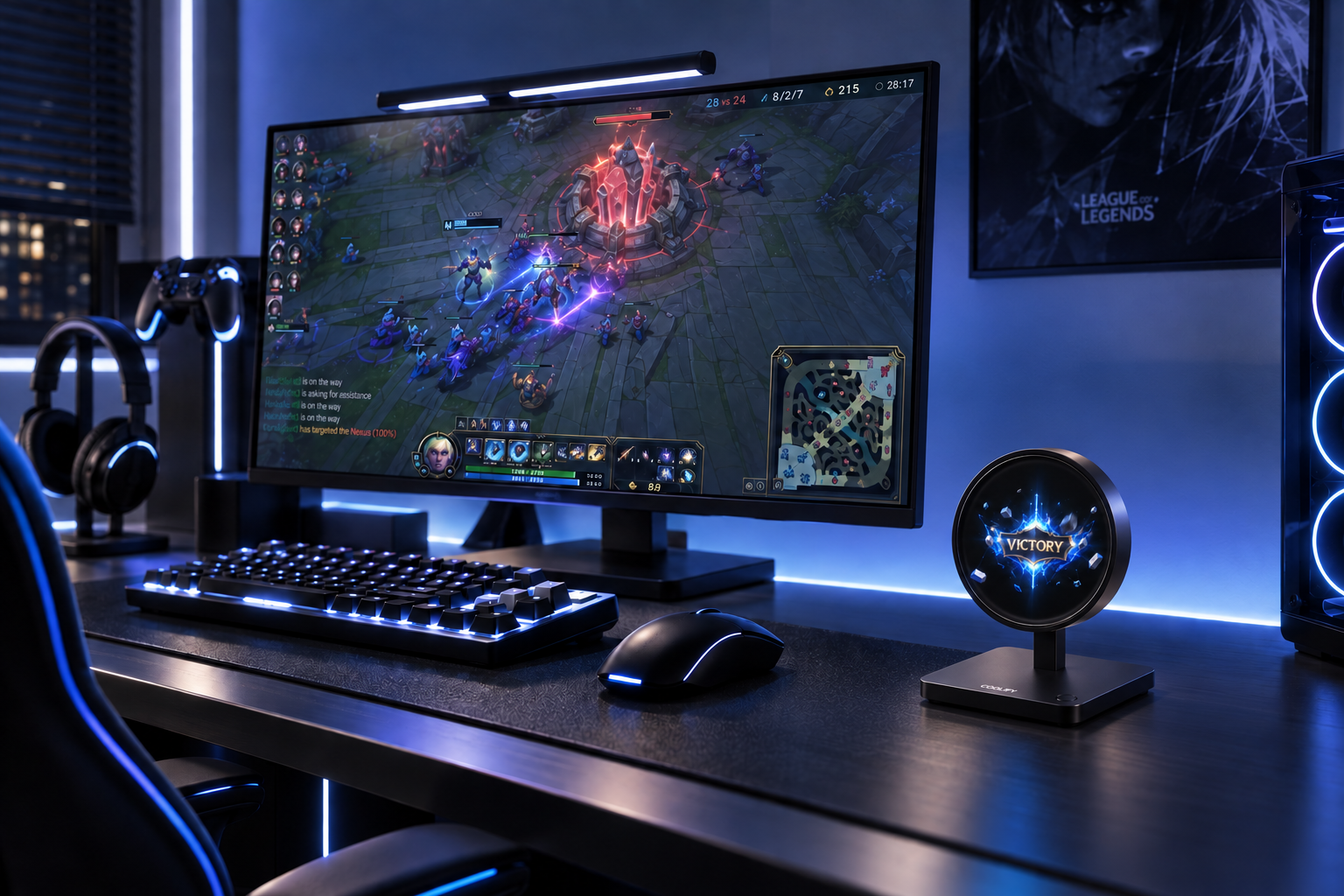
In SOLO mode, every fan plays its own content. Put a game logo on one fan, a favorite character on another and an animation on the third. It’s the most flexible mode and a good place to start.
Content tips: pick visuals that look good on their own and work well in a circle. Simple subjects on a black background look best.
CHORUS: one picture across all fans
CHORUS splits one image or video across all the fans, so they form a single, larger picture. Coolify Studio slices your content for each fan automatically, so you upload it once.
Content tips: wide images work best, like a landscape or a character stretching across all three fans. Keep important details, such as faces or text, away from the gaps between fans.
ECHO: the same visual, everywhere
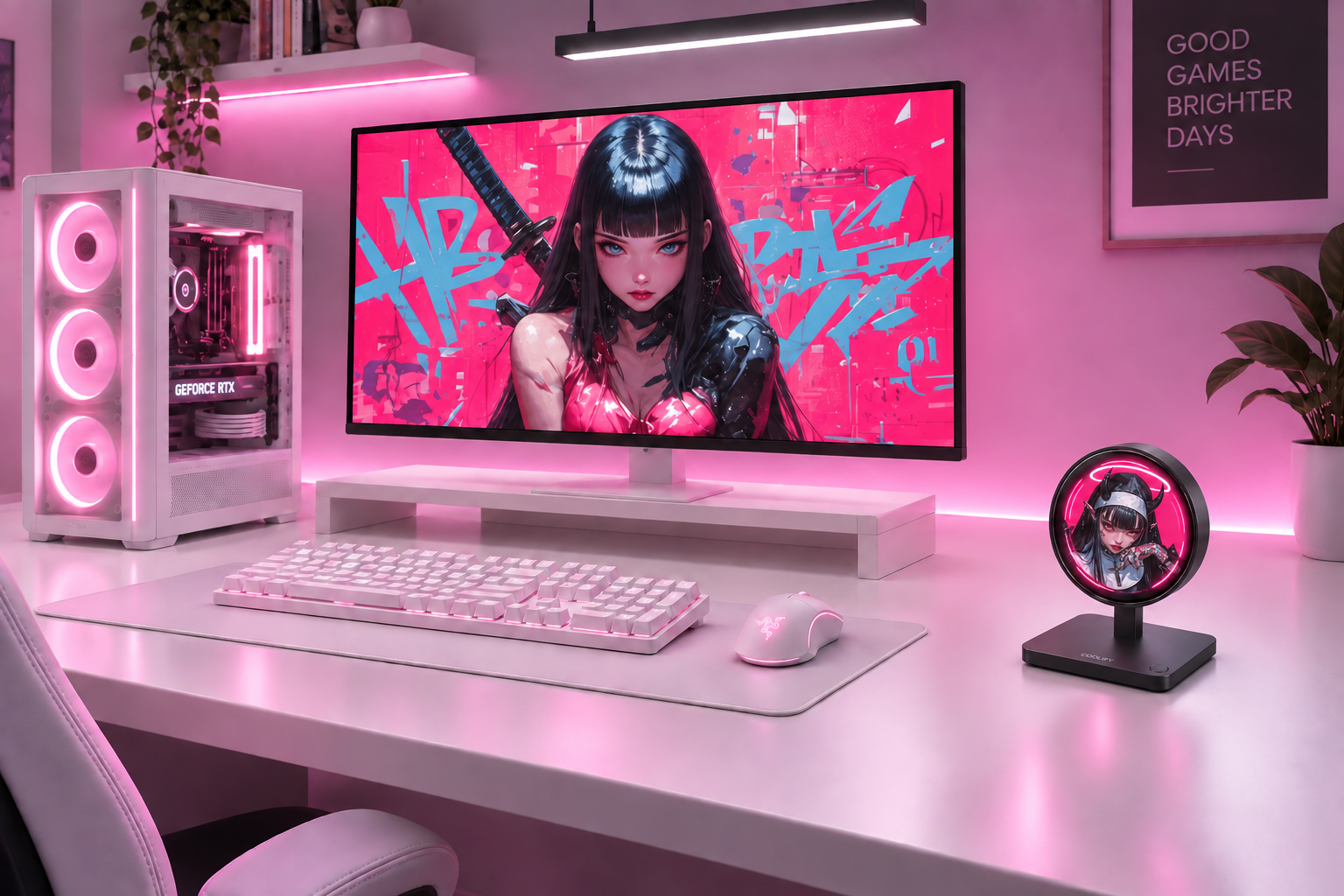
ECHO plays the same visual on every fan at the same time. It gives your build a neat, symmetrical look and makes a single logo or animation stand out.
Content tips: logos, icons and short looping animations are ideal. Bold colors and high contrast keep every fan looking sharp.
What you need
- Up to three Holo Fan 2 units, side by side or stacked
- The connection box, which takes power from your PSU’s SATA connector
- Coolify Studio, our desktop app for Windows 10 and 11, to choose the mode and upload content
The original Holo Fan doesn’t support multi-fan displays. If you’re deciding between the two, see Holo Fan 2 vs Holo Fan.
FAQ
Can Coolify Studio manage more than three fans?
Yes, Coolify Studio can manage more fans at the same time, but a combined display in CHORUS or ECHO mode uses up to three.
Do I have to make separate files for CHORUS?
No. Upload one image or video and Coolify Studio slices it for each fan automatically.
Can I switch modes later?
Yes. You can change modes in Coolify Studio whenever you like.