- Product Update
What Is Holo Orb? COOLIFY’s AI-Powered Desktop Hologram Display
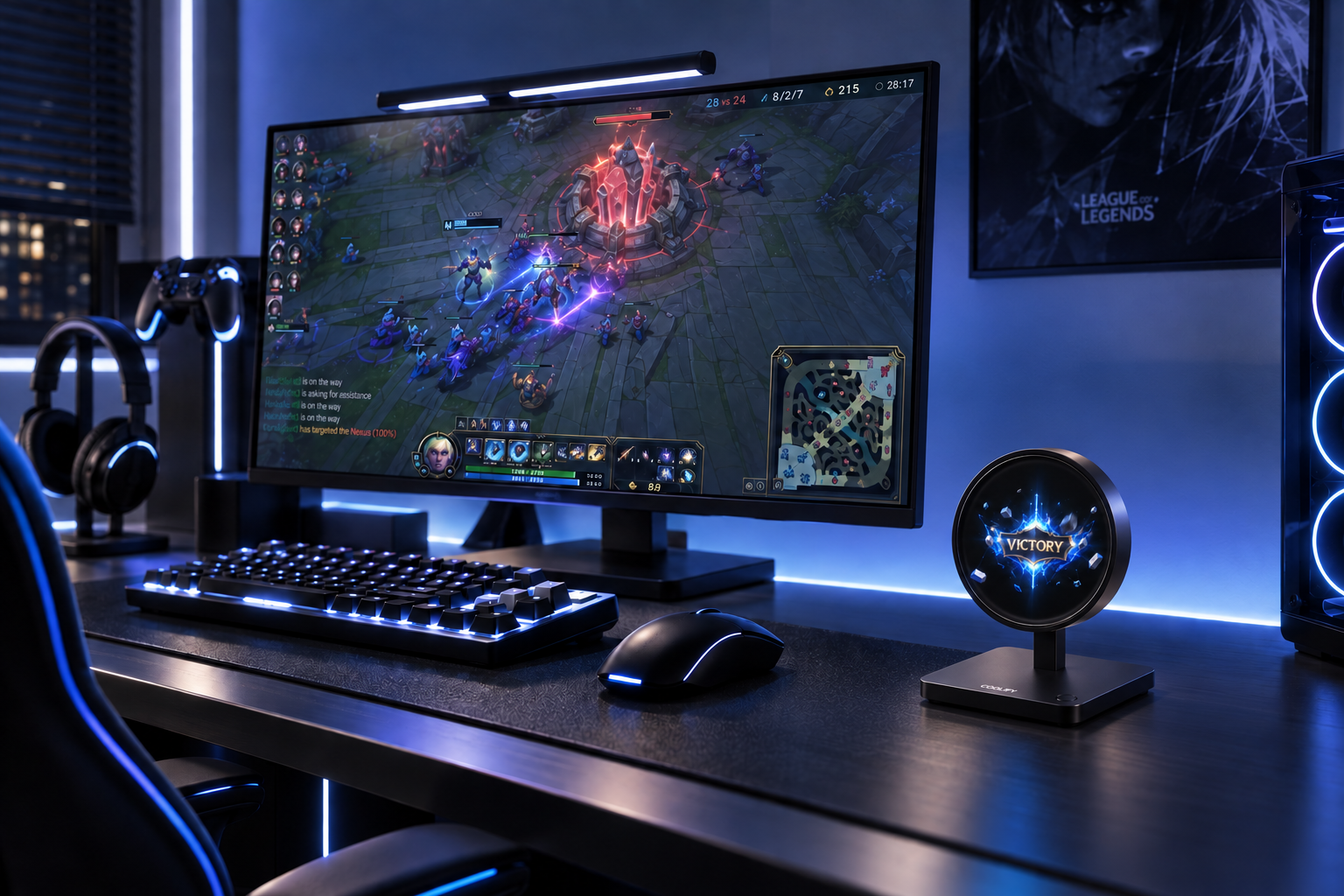
Table of Contents
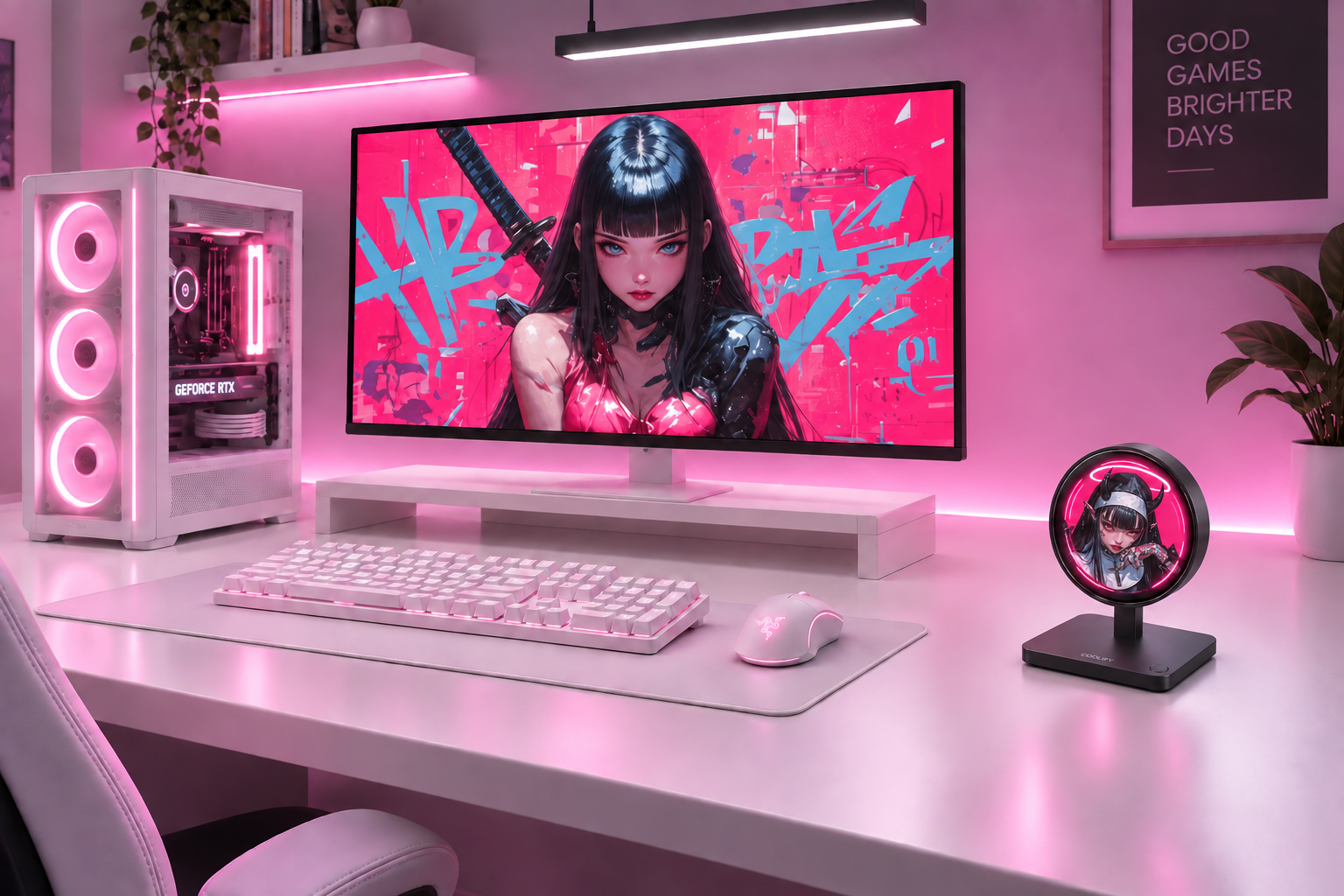
ToggleHolo Orb is a desktop holographic display from COOLIFY. It shows images, GIFs and videos as floating, see-through visuals, and Coolify Studio can create fresh AI visuals for it automatically. Unlike Holo Fan 2, it isn’t a PC fan. It stands on your desk, shelf or nightstand.
Holo Orb specs
| Holo Orb | |
|---|---|
| Display | 11 cm (4.3″) circular |
| Resolution | 360 × 360 |
| LEDs | 120 |
| Frame rate | 24 fps |
| Size | 13.7 cm tall, 9 × 8 cm base |
| Weight | 175 g |
| Finish | Matte black |
| Power | Type-C |
| Connection | Wi-Fi |
| Software | Coolify Studio for Windows 10 and 11 |
| File types | MP4, PNG, JPG, GIF |
Let AI create visuals for you
Pick a style and Coolify Studio creates new visuals that match the moment, whether you’re gaming, listening to music or watching a video, along with the time of day and the weather. You don’t need to write prompts, and every visual is different. There are six styles to choose from: Pixel Art, 3D, Anime, Gummy, Sticker and Designer Toy. AI visuals need an internet connection.
Show what you love
You can also upload your own images, GIFs and videos through Coolify Studio. Artwork, game characters, logos and short animations all work well, especially on a black background.
How it works
Holo Orb uses persistence of vision, the same technology as our hologram PC fans. A row of LEDs spins inside the ring and lights up at precisely timed moments, so your eyes see a floating image instead of a moving light. There’s no screen, which is why the image looks like it’s hanging in the air.
Easy to set up
Turn on Wi-Fi on your computer, find the Holo Orb network and connect to it. Then open Coolify Studio and select your Holo Orb model to pair it.
It plays on its own
Once your content is saved, plug Holo Orb into power wherever you like. It keeps playing on its own, so it can live on a bookshelf or bedside table, not just next to your PC.
Where people put it
- Gaming desk: characters and animations from the games you play
- Work desk: a calm visual that changes through the day
- Bedside table: a moon and clouds as a soft night light
- Kitchen or breakfast table: today’s weather at a glance
Holo Orb or Holo Fan 2?
| Holo Orb | Holo Fan 2 | |
|---|---|---|
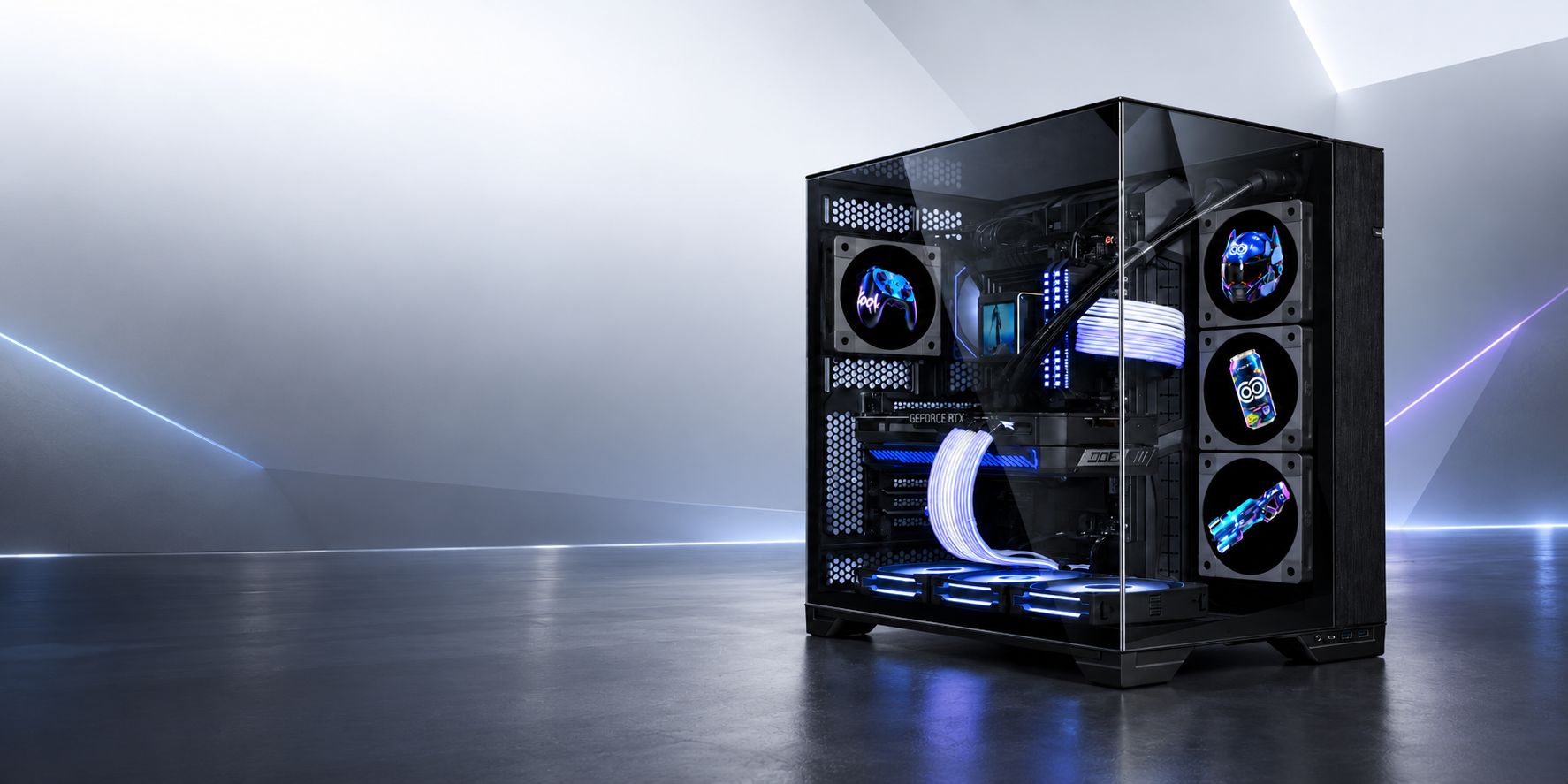
| Where it goes | On your desk or shelf | Inside your PC case |
| Cooling | No | Yes, up to 58 CFM |
| AI visuals | Yes | Yes |
| Plays without Coolify Studio open | Yes | Yes |
If you want the effect inside your build, choose Holo Fan 2. If you want it anywhere else, choose Holo Orb.
FAQ
Is Holo Orb a real hologram?
It’s a persistence-of-vision display, not a laser hologram. The image looks like it floats, and it looks best in dimmer light.
How do I connect Holo Orb to my computer?
Connect your computer to the Holo Orb Wi-Fi network, then open Coolify Studio and pair your Holo Orb model.
Does my computer need to stay on?
No. Once your content is saved to Holo Orb, it keeps playing wherever it has power.
What computer do I need?
A Windows 10 or Windows 11 PC to run Coolify Studio.